
FEWER PHYSICAL CONSULTATIONS WITH OUR DIGITAL POS

What is a digital pre-operative screening?
In a pre-operative screening (POS), the anesthesiologist assesses whether an additional consultation is needed. Here, the anesthesiologist looks at risk factors, medications, allergies and relevant history.
With ConsultAssistent's digital POS, this screening is completely digital. Patients automatically receive an invitation, complete the questionnaire at home and the POS report appears directly in the EMR. This report contains an indication of whether an additional outpatient consultation is needed.
How does it work?
ConsultAssistent automates the entire pre-operative screening (POS) process:
- Patients automatically receive invitations based on operations scheduled in the EMR.
- They complete the digital POS at a time convenient to them.
- The completed screening is automatically processed and read into the EMR.
- Based on answers, ConsultAssistent provides an indication of whether an additional consultation with the anesthesiologist can be done by phone or completely digitally.
- A link can be made to worklist notifications (provided the EMR vendor supports it).
- Data from the POS can be written into EMR at the field level (provided the EMR vendor supports it).
- Integrating your own patient education or that of third parties, such as Indiveo's beautiful interactive education videos, into the POS is possible.
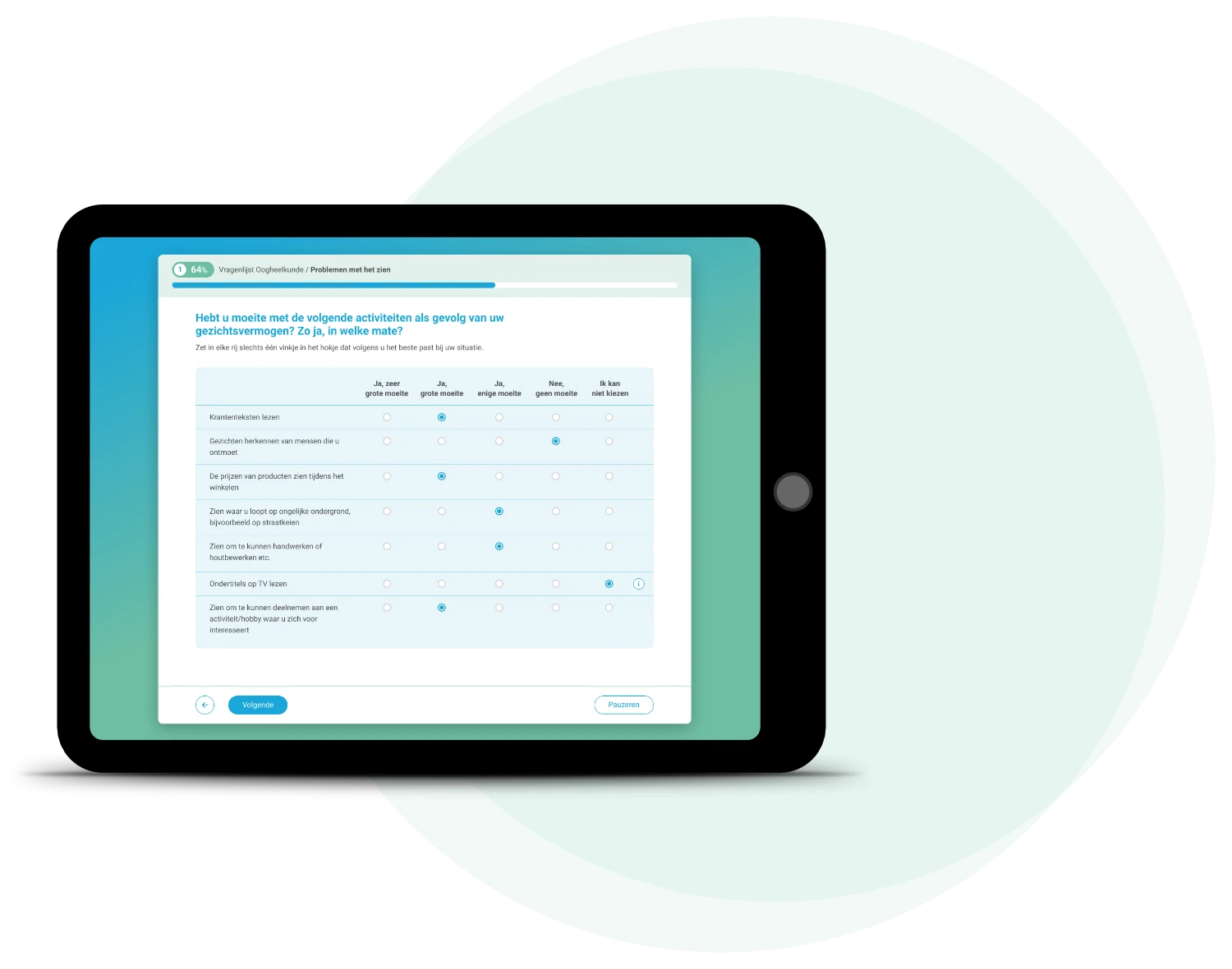

Benefits of digital POS through ConsultAssistent
Digital pre-operative screening with ConsultAssistent saves time, reduces administrative burdens and increases patient satisfaction. Due to smart triage, a large proportion of patients no longer need a physical consultation. The link with the EPR ensures that data is automatically processed and available at the right moment in the care process. In addition, automatic reminders ensure a high response rate so that screening is completed in a timely manner.

What is a digital pre-operative screening?
In a pre-operative screening (POS), the anesthesiologist assesses whether an additional consultation is needed. Here, the anesthesiologist looks at risk factors, medications, allergies and relevant history.
With ConsultAssistent's digital POS, this screening is done completely digitally: patients are automatically invited, complete the questionnaire at home, and a POS report is immediately available in the EPR, indicating whether an additional outpatient consultation is needed.
How does it work?
ConsultAssistent automates the entire pre-operative screening process:
- Automatic invitation of patients based on operations scheduled in the EMR.
- Patients complete the digital POS at a time convenient to them
- The completed screening is automatically processed and read into the EMR.
- Based on answers, ConsultAssistent provides an indication of whether an additional consultation with the anesthesiologist can be done by phone or completely digitally.
- And can be linked to worklist notifications (provided that EMR vendor supports it)
- Data from the POS can be written into EMR at the field level (provided that EMR vendor supports it)
- Integrating your own patient education or that of third parties, such as Indiveo's beautiful interactive education videos, into the POS is possible.
Benefits of digital POS through ConsultAssistent
The digital POS with ConsultAssistent saves time, reduces administrative burdens and increases patient satisfaction. Thanks to smart triage, many patients no longer need a physical consultation, which reduces the pressure on the outpatient clinic.
In addition, ConsultAssistent processes data automatically via linkage to the EMR. As a result, screening results are immediately available at the right moment in the care process. Automatic reminders also ensure a high response rate so that patients complete the screening on time.
LOOKING FOR ANOTHER SCREENING?
In addition to the pre-operative screening, other screening questionnaires are available in ConsultAssistent such as a sedation questionnaire, a screening for an MRI or specific screenings for an MKA appointment or hearing screening, for example.
