What are PROMs and outcome measures?
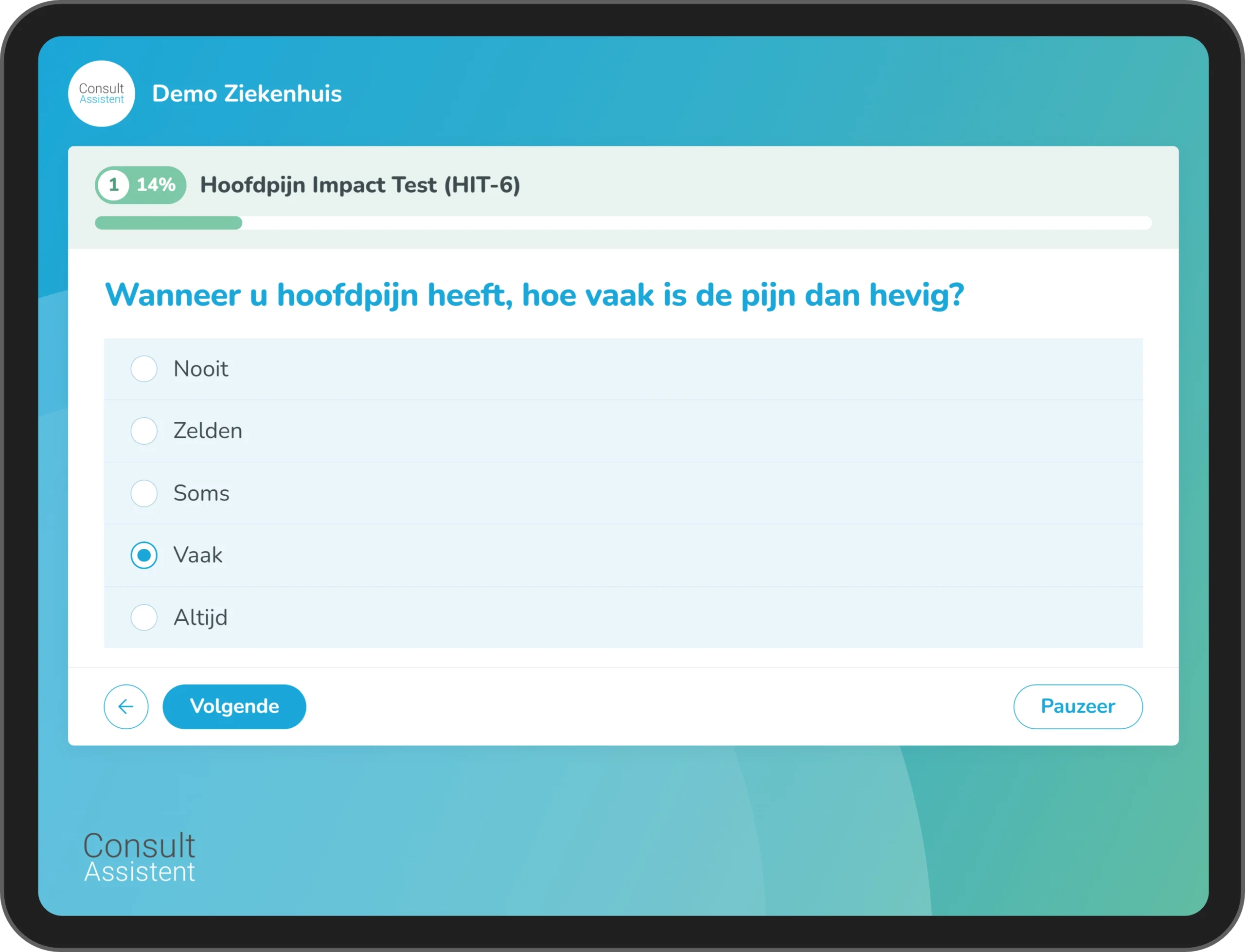
Patient-Reported Outcome Measures (PROMs) are outcome measures based on standardized, validated questionnaires. Patients use these to report on their own health, functioning, and quality of life. Unlike clinical measurements, such as blood test results or imaging, PROMs reflect a patient's personal experience of a condition or treatment.
By collecting PROMs at predetermined points in the care pathway, a picture of changes over time emerges. The healthcare provider uses this information to monitor recovery and treatment outcomes and to make decisions together with the patient.
From isolated measurements to actionable results
PROMs in current clinical practice
Without a standardized approach, PROMs are often disconnected from the consultation and the care pathway:
- Retrieved manually
- Not collected at fixed measurement times
- Used sparingly during the consultation
- Not properly aligned with the EMR workflow
- Difficult to supply for quality registries
As a result, requesting and processing this information takes extra time, and the results are not always available when the healthcare provider needs them.
PROMs with ConsultAssistent
PROMs as an integral part of the care pathway, with a standardized approach:
- Automatically requested before the appointment
- At scheduled measurement times
- Results available via the EMR integration
- Useful during the consultation
- Suitable for quality records
In this way, the care team builds a comprehensive picture of patient outcomes throughout the entire care pathway.
Using PROMs in the care pathway
From invitation to insight: here’s how a PROM assessment works in three steps.
Before the measurement
ConsultAssistent automatically sends invitations to patients based on scheduled appointments or regular check-ups during and after treatment.

While filling out the form
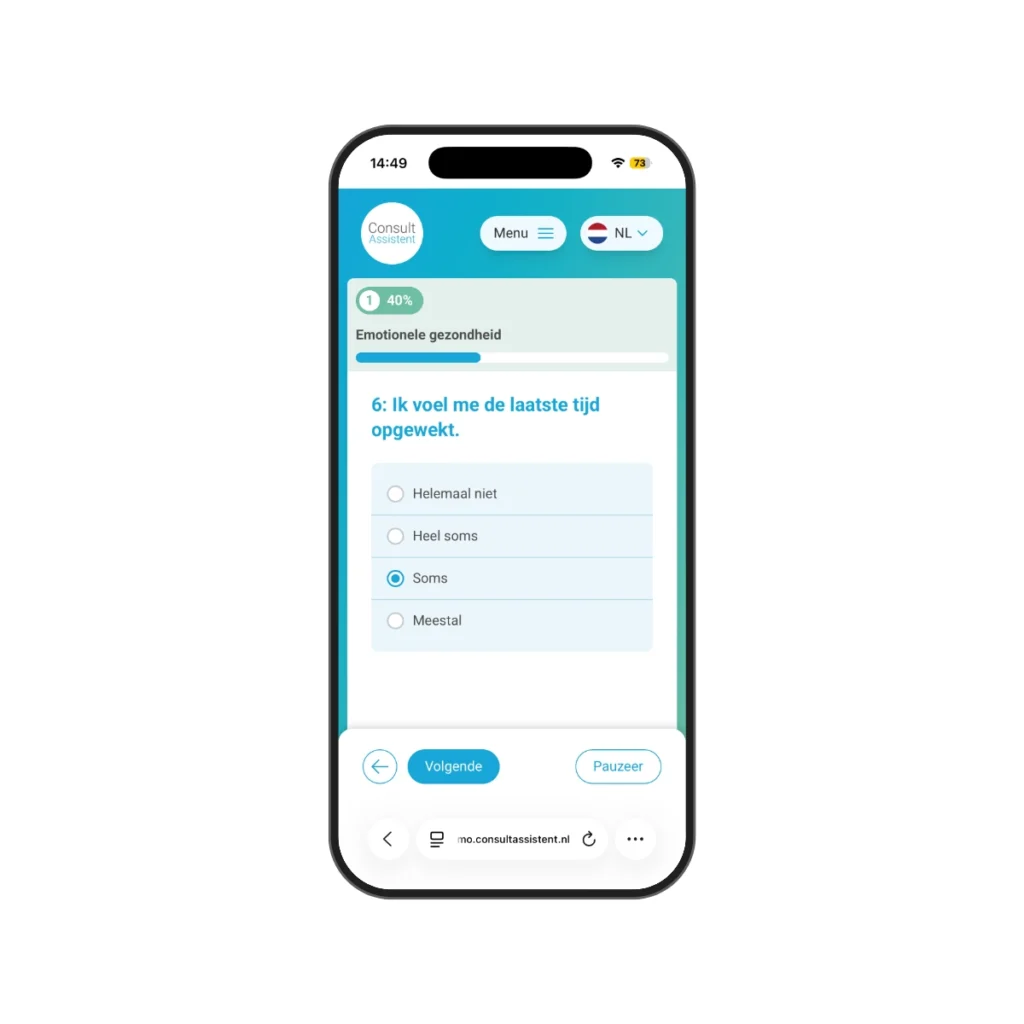
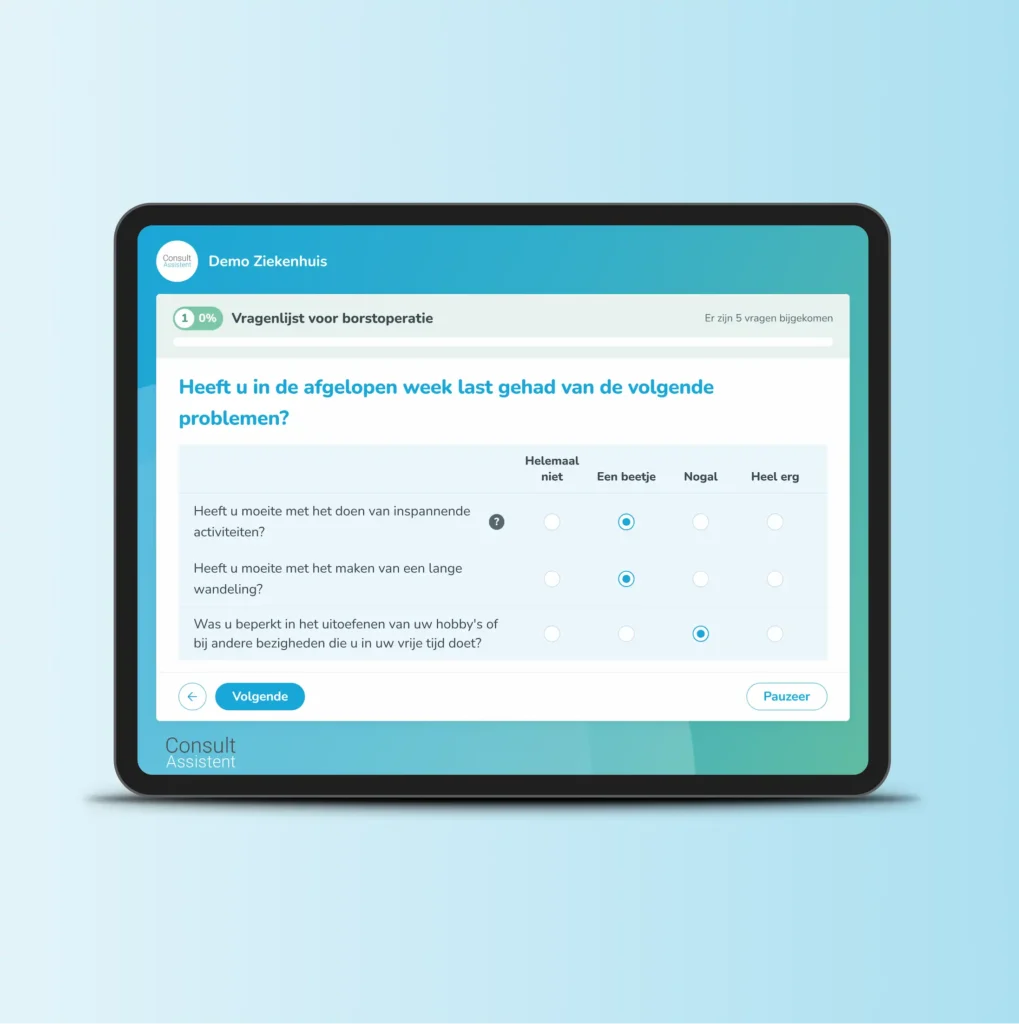
Patients receive the invitation via the patient portal, the healthcare app, text message, or email. They can complete the questionnaire on any device, in the healthcare provider's branding.
ConsultAssistent automatically sends a reminder when a measurement hasn't yet been completed. This reduces manual work and increases the response rate.

After filling it out
The PROM results are made available through the EPD integration in clear summaries and dashboards.

Wondering how to use PROM results strategically in the care pathway?
Request a demoUse PROM results during the consultation and follow-up
PROMs become valuable when healthcare providers use the results during consultations and in follow-up care.
ConsultAssistent displays scores, trends, and graphs in easy-to-read dashboards. This allows doctors, nurses, and other healthcare providers to see trends for individual patients and at the group level.
Healthcare providers gain insight into:
- Changes in symptoms and functioning
- Scores and trends over time
- Findings to discuss during the consultation
Healthcare providers use these insights to:
- Evaluate and improve care processes
- Decide together with the patient
- Track treatment outcomes
Use PROMs in various care pathways
The available library is compatible with various outcome sets and quality registries, including:
- Diagnosis-specific PROMs
- DICA registrations
- ICHOM outcome sets
- LROI registrations
In addition, your organization can:
- Add your own questionnaires
- Adopt existing PROM programs
- Integrate historical PROM results
Combine PROMs with digital auto-anamnesis and digital follow-up to provide a comprehensive picture throughout the care pathway.
What benefits do digital PROMs offer your healthcare organization?
- Collect PROMs at set intervals
- Reduce the need for manual invitations and reminders
- Track patient outcomes over time
- Make decisions together with the patient
- Better substantiate care decisions
- Support research and quality improvement

FAQ about digital PROMs
How do PROMs get into the EMR?
ConsultAssistent links PROM results to patient data via the agreed EMR integration. Which results and reports are available in the EMR depends on the EMR system and its configuration.
How are patients invited to participate in PROMs and reminded to do so?
ConsultAssistent automatically sends invitations and reminders at times that align with the care pathway. Patients complete the questionnaire via the agreed digital channel.
When do patients receive PROM questionnaires?
ConsultAssistent sends PROM questionnaires at preset times, such as before, during, or after a consultation or treatment.
Can I add my own questionnaires?
Yes. Your organization can add its own questionnaires and adopt existing pathways. The content of validated PROMs remains unchanged.
How do PROMs support shared decision-making?
PROMs provide insight into how a patient experiences their health, functioning, and quality of life. The healthcare provider and patient discuss any changes and use this information to make a joint decision.
Get in touch
We're glad you're interested in ConsultAssistent. Do you have a question? Please contact us. You can reach us by phone or send us an email. We'd be happy to help you.