
The care pathway as the starting point
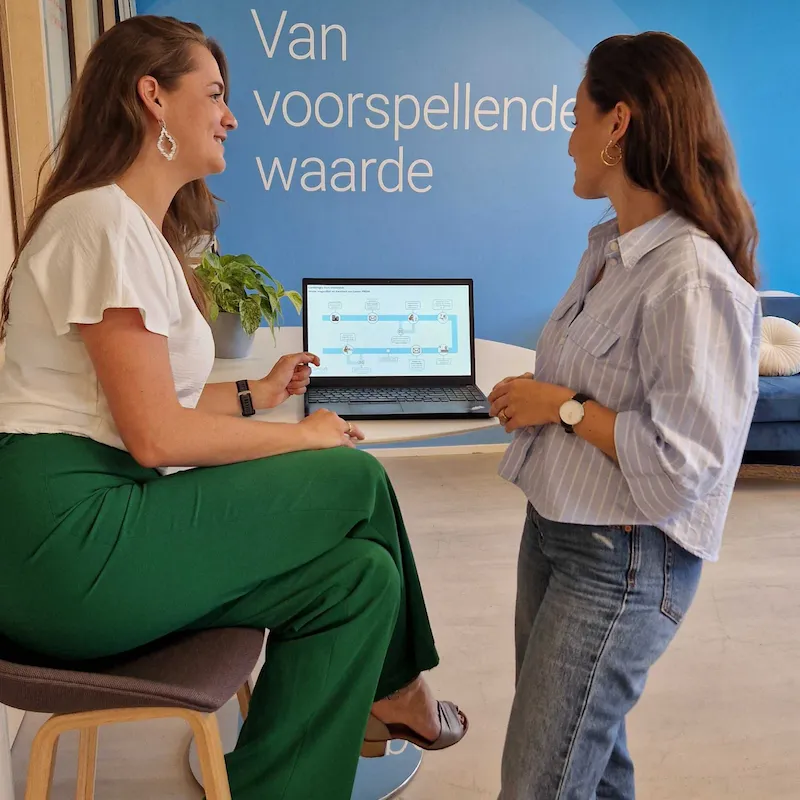
ConsultAssistent works best when it fits the practice of the department and the patient's experience. That's why, for every implementation, we first map out the care pathway together, inspired by the patient-journey template from the NVZ (Dutch Association of Hospitals). This immediately gives a clear overview of the whole process, including options for hybrid care. This care pathway forms the basis for everything that follows.
Customer feedback

The team at ConsultAssistent is flexible, and the software is smart and quick to adapt, which makes working with them a pleasure.
For us, a good partnership means that ConsultAssistent not only makes things easier, but also truly contributes to a better healthcare experience for both healthcare providers and patients. We especially appreciate the direct communication and the speed with which ConsultAssistent’s staff work.
The steps of an implementation
We carry out every implementation using a fixed approach, based on our standards and on experience from earlier implementations. We work closely with the department or clinic throughout. You'll have one fixed point of contact at ConsultAssistent for the whole process.
1
Assessment and care process
Together we map out the care process and the wishes of the department or clinic. For this, we form a working group with the key people involved, such as healthcare providers, application management, and other key users. Together we discuss how the process currently runs and what's needed to set up ConsultAssistent properly.

2
Configuration
Based on this input, we configure the process. This includes:
- The content of the questionnaire module
- The invitation process
- Communication with patients
- Triggers and worklist notifications, for example for a high score or when a questionnaire has been completed

3
EMR integration
The connection with the EMR runs through standardized protocols, such as HL7 and FHIR, which makes it straightforward to set up. ConsultAssistent connects to existing EMR systems, such as:
- ChipSoft HiX
- Nexus EPD
- Emma by Timeff

4
Functional test
Together with application management, we test the configuration and the EMR connection. This lets us check that everything works properly and avoid surprises at go-live.

5
Go-live
We support the department or clinic through the rollout of ConsultAssistent. Users receive a clear manual and practical instructions.
6
Monitoring and optimization
We stay involved after go-live too. We monitor usage, such as invitations sent and completed, and gather feedback from both healthcare providers and patients. We use these insights to further optimize the configuration and the questionnaire module wherever possible.

After go-live: ongoing support
An implementation doesn't stop at go-live. We keep monitoring the EMR connection and usage, and offer support whenever it's needed. After that too, we keep looking together at how ConsultAssistent can keep fitting the practice as well as possible. We also offer:
- Fast support by email or phone
- Periodic evaluation with the department
- Automated patient satisfaction measurement
- Ongoing optimization based on feedback

Mapping out the care pathway

Related posts
FAQ
How does ConsultAssistent integrate with the EMR?
ConsultAssistent integrates with various EMR systems, so patient information is available right away within the existing workflow. The integration runs through standard interfaces supported by EMR vendors, such as HL7 and FHIR.
Can the healthcare facility's brand identity be applied?
Yes, the patient environment can be adapted to the healthcare facility's brand identity, including logo and colors. This creates a familiar, recognizable experience for the patient, which helps increase response rates and build trust in the process of filling in the questionnaire.
Is there also data available on the number of invitations sent and the response rate?
Yes, this data is available. Through the response dashboard, you can easily see how many invitations have been sent and what the response rate is. On top of that, ConsultAssistent's implementation team actively monitors these figures and gets in touch if the number of invitations or the response rate changes.
How does ConsultAssistent ensure a high response rate to the questionnaire modules?
ConsultAssistent sends questionnaires at a relevant moment in the care process and automatically sends a reminder if the questionnaire hasn't been completed yet. The modules are short and clear, with one question per screen. Because only relevant questions are asked, the time needed to complete them stays limited, which helps increase the response rate.